Most independent schools and tuition centres start the same way: a handwritten attendance register, student marks in an Excel sheet, timetables printed on A3 paper and taped to the staffroom wall. It works — right up until it doesn't. A tutor falls ill, the substitute can't find the timetable. Exam season arrives and results are scattered across three spreadsheets. A parent calls asking why their child missed three classes and nobody has a clean answer.
A school management system solves all of this. But not all platforms are built for independent schools and small institutes — many are designed for large government school districts with IT departments and six-figure budgets. This guide covers what really matters for smaller schools, and what to look for in a student information system that fits your context.
Who this guide is for: Principals, administrators, and owners of independent schools, private tuition centres, and small educational institutes who want to reduce paperwork, improve academic visibility, and run operations without a dedicated IT team.
What Is a School Management System?
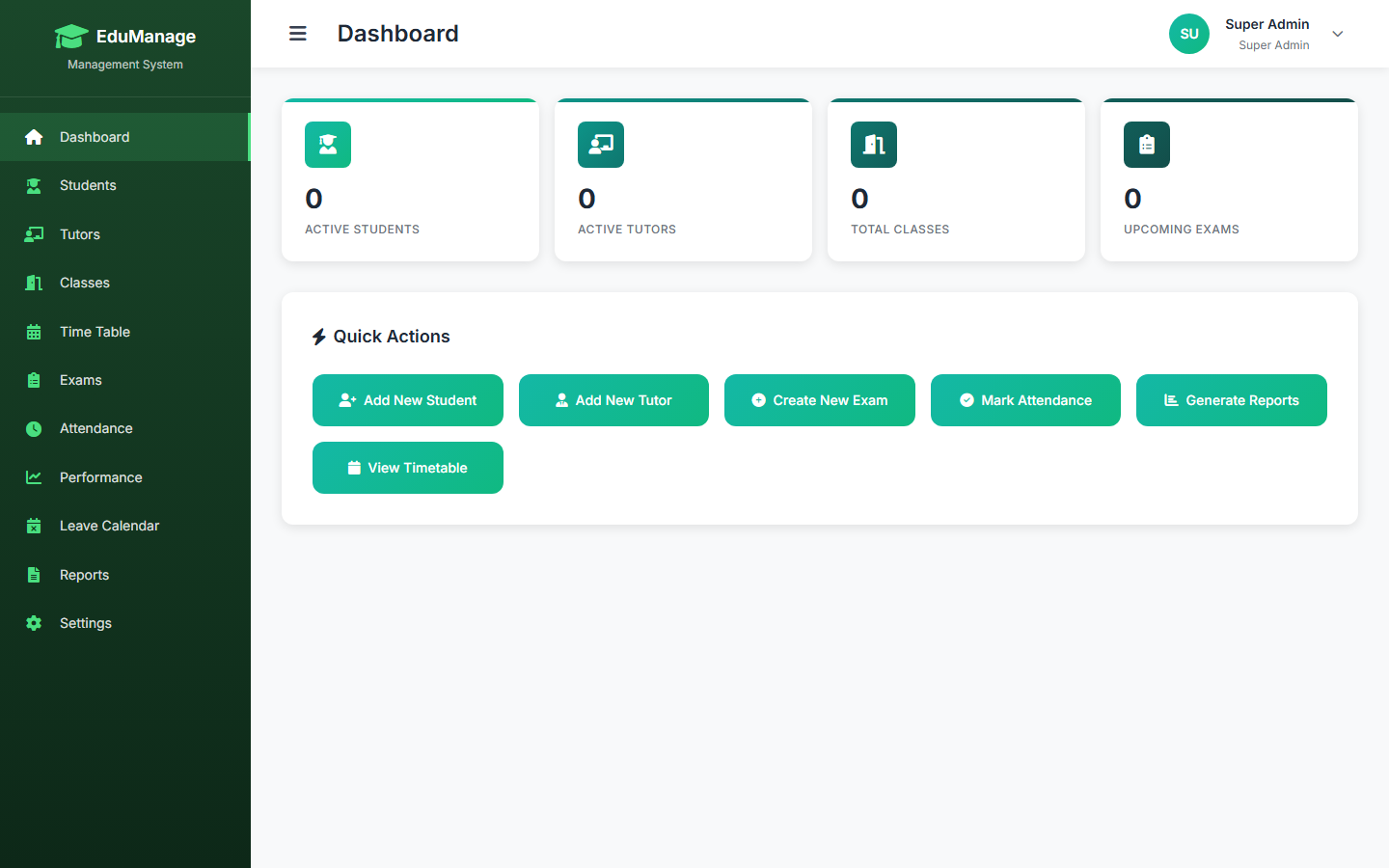
A school management system (SMS) — sometimes called a student information system (SIS) — is software that brings every aspect of running a school into one connected platform. Instead of a folder for attendance, a spreadsheet for results, a whiteboard for the timetable, and a notebook for tutor schedules, everything lives in one place that staff can access and update in real time.
A complete school management system typically covers:
- Student enrolment and profile management (personal details, class assignment, status)
- Tutor and staff profiles with subject specialisations
- Class and subject setup across year groups
- Weekly timetable generation and management
- Daily attendance marking with monthly summaries
- Exam scheduling, mark entry, and results generation
- Performance analytics — subject-wise scores, class rankings, trend tracking
- Reporting — enrolment counts, attendance trends, exam outcome summaries
- Role-based access for owner, manager, and teaching staff
The Hidden Cost of Paper-Based School Administration
Manual administration feels manageable when your school has 40 students. By the time you reach 150 — two or three year groups, five or six tutors, weekly exams in multiple subjects — the cracks start to show. The costs are real, even if they're not always visible on a balance sheet.
Attendance Registers That Nobody Reads
A paper attendance register filled in each morning is only useful if someone collates it at the end of the month and looks for patterns. In practice, the register stays in a filing cabinet. A student misses twelve classes over a term and nobody notices until the parent complains at results day. Digital attendance systems flag chronic absentees automatically, send alerts, and produce monthly summaries in seconds.
Manual Results Processing
Collecting exam papers, entering marks into Excel, calculating totals, ranking students, and formatting result sheets for parents is easily a week's work per exam cycle for a school of any size. It's also error-prone — a formula error in a shared spreadsheet can affect every student's result. A purpose-built results module makes mark entry fast, calculations automatic, and output consistent.
Timetable Clashes and Substitution Chaos
Paper timetables are static. The moment a tutor is unavailable, or a class needs to be rescheduled, someone has to manually cross-reference every class that tutor teaches, notify affected students, and update the physical copy on the wall. Digital timetable management makes these changes visible instantly to every member of staff.
Key insight: Schools that move from paper to digital administration typically recover 6–10 hours of administrative time per week — time that can be redirected to academic quality and student support rather than filing and reconciling.
Core Modules Every School Needs
Before selecting school management software, it helps to know which modules are genuinely essential versus what's marketing fluff. Here's an honest breakdown:
| Module | Essential? | What it does |
|---|---|---|
| Student records | ✓ Essential | Central profile for each student — personal details, class, academic status, history |
| Timetable management | ✓ Essential | Weekly schedule builder linking classes, subjects, tutors, and time slots |
| Attendance tracking | ✓ Essential | Daily per-class attendance with monthly summaries and absence flagging |
| Exams and results | ✓ Essential | Mark entry, grade calculation, class rankings, subject-wise breakdown |
| Tutor management | ✓ Essential | Tutor profiles, subject assignments, contact details, class load |
| Reports and analytics | ✓ Essential | Enrolment counts, attendance trends, exam result summaries across cohorts |
| Parent communication portal | Nice to have | Useful for larger schools; most small institutes communicate via WhatsApp or email |
| Fee management | Nice to have | Valuable if you have complex fee structures; simpler institutes manage separately |
| Mobile student app | Nice to have | Convenient for students but significant overhead to maintain for small schools |
Managing Exams and Academic Performance Digitally
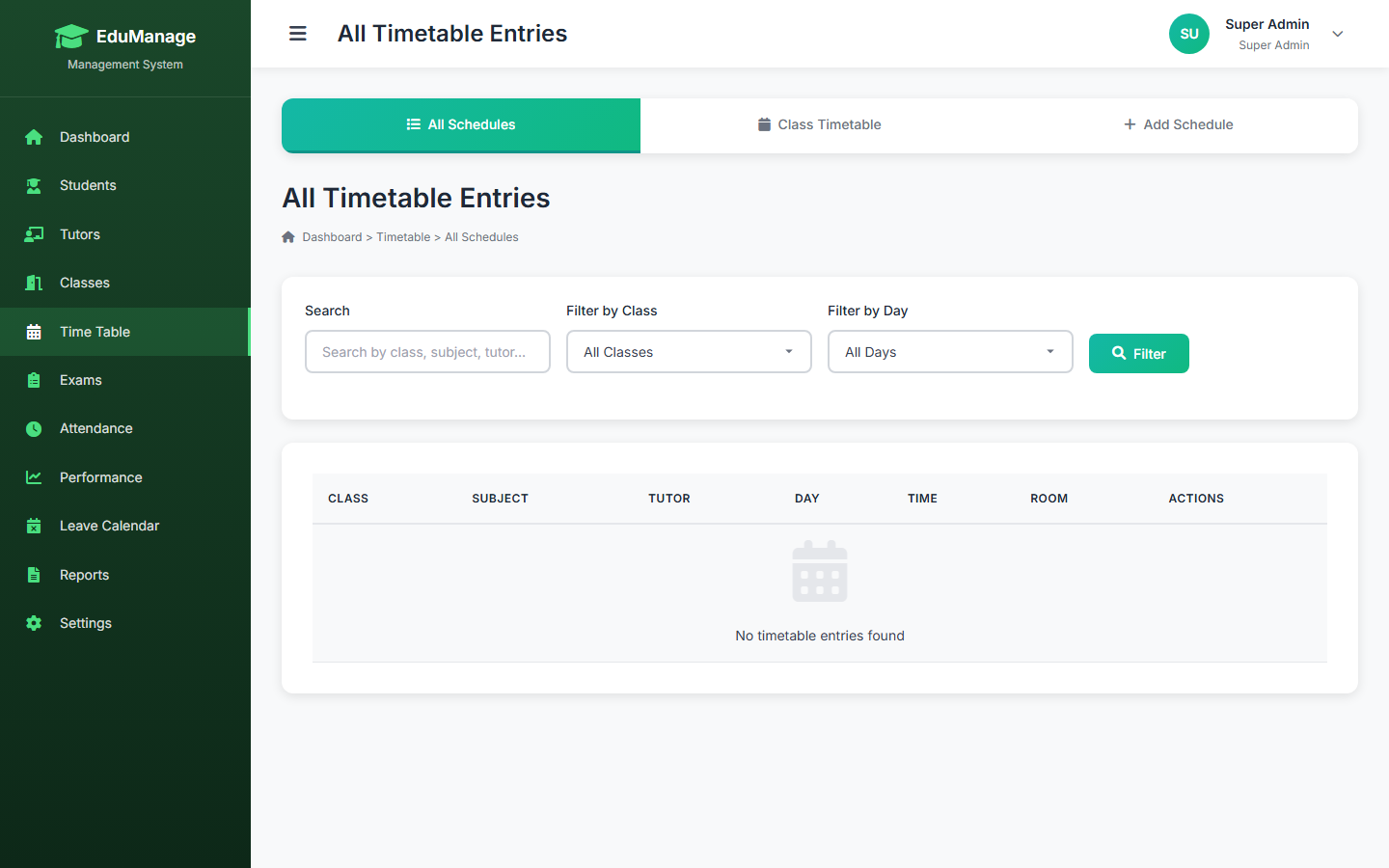
For most independent schools, exam and results management is the area where digital systems deliver the most dramatic improvement over manual processes. Here is what a well-built results module looks like in practice.
Mark Entry and Grade Calculation
Instead of handing a teacher a spreadsheet, the system presents a structured mark entry screen — one row per student, one column per subject. Enter the raw marks, and the system immediately calculates percentage scores, grades based on your school's grading scale, and each student's position in the class. There is no formula to copy, no risk of accidentally overwriting a cell.
Subject-Wise Performance Analysis
Aggregated totals tell you how a student ranked overall. Subject-wise analysis tells you something more useful: that the student ranked 3rd overall but is bottom of the class in Mathematics, or that the entire cohort underperformed in Science this term, suggesting a curriculum or teaching issue rather than an individual student problem. This kind of insight is impossible to surface quickly from a spreadsheet.
Class Rankings and Result Sheets
A digital results module generates ranked class lists and individual result sheets in a consistent format — ready to share with parents or print for records. No manual sorting, no formatting time, no risk of the version on the principal's computer being different from the one given to a parent.
Trend Tracking Over Time
When results from each exam cycle are stored in the same system, comparing a student's performance across terms becomes a single click. You can see whether a student who struggled in Term 1 has improved in Term 2, or whether a drop in performance correlates with a change in attendance. This longitudinal view is almost impossible to build with annual spreadsheets.
EduManage Pro includes: Exam scheduling, structured mark entry for all subjects, automatic grade and rank calculation, subject-wise performance breakdowns, and formatted result sheet generation — all in one module.
How EduManage Pro Works for Independent Schools
EduManage Pro is the school management system within the BYDCRM platform, built specifically for independent schools, tuition centres, and private educational institutes. It is not an enterprise platform adapted for small schools — it was designed from the start for the owner-operator context, where a single administrator needs to manage the full operation without specialist IT support.
Core capabilities in the platform:
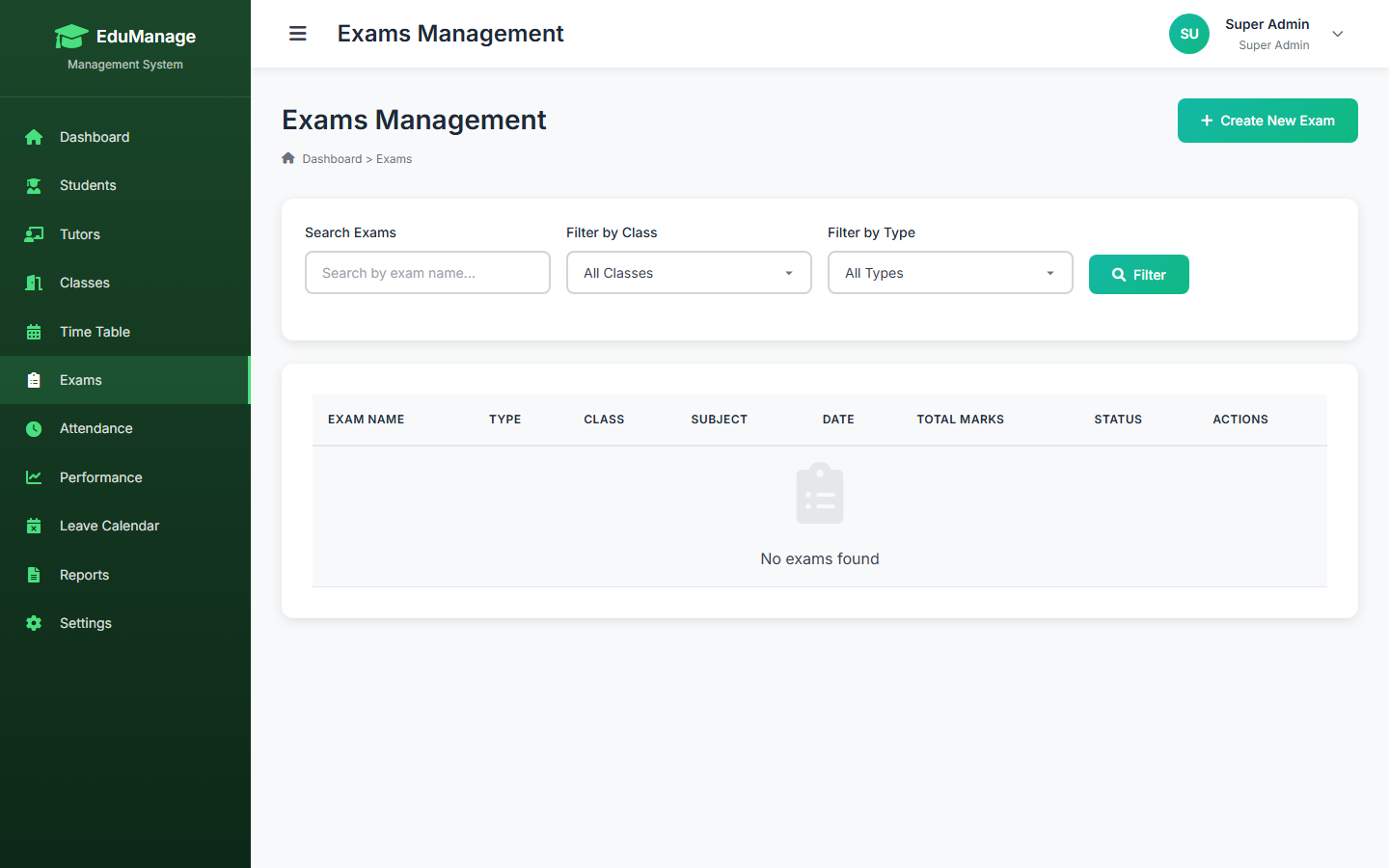
- Student profiles — full enrolment details, class assignment, photo, academic status, and complete history in one place
- Tutor management — individual profiles, subject specialisations, contact details, and timetable assignment
- Classes and subjects — define year groups, class sections, and the subjects taught at each level
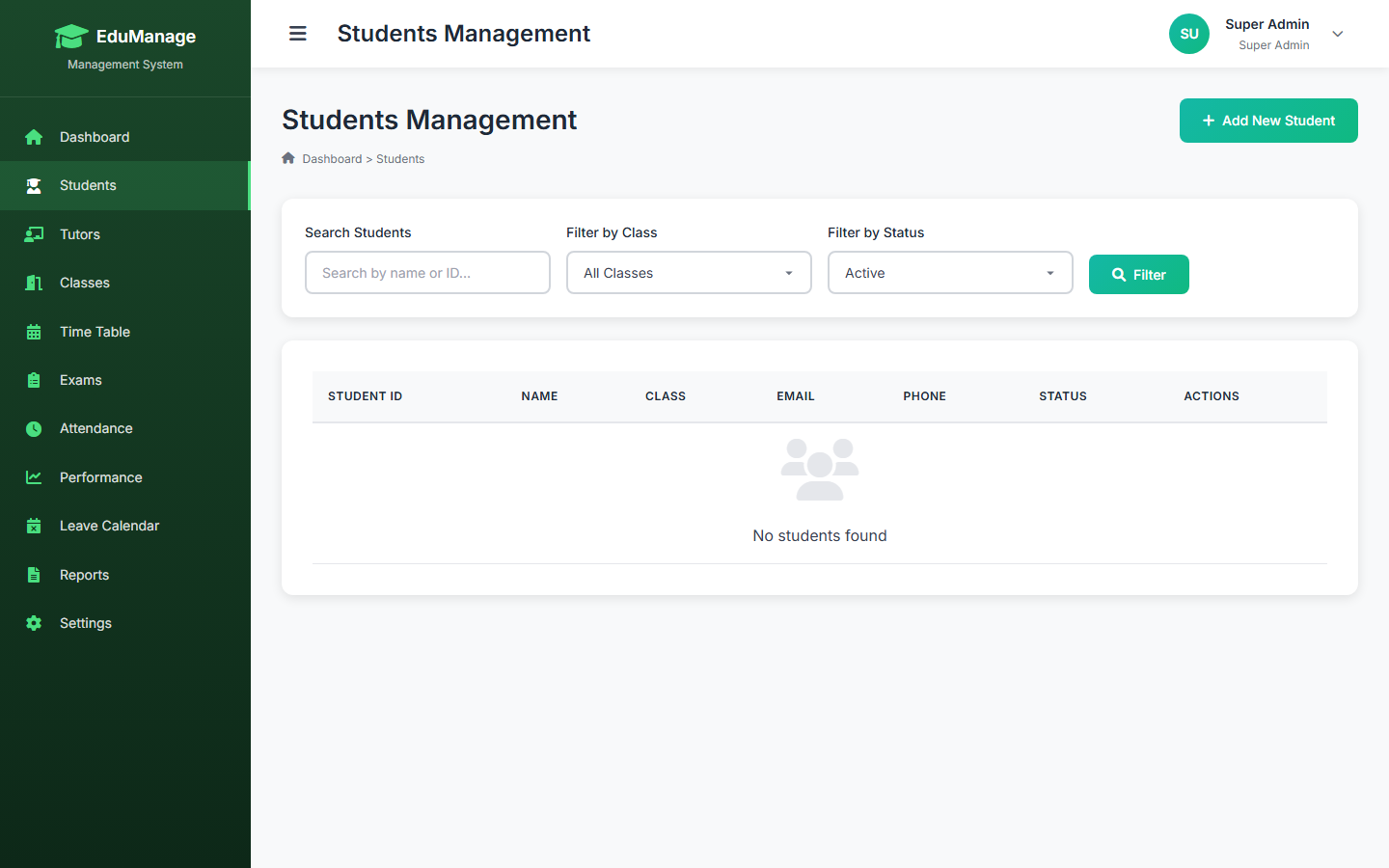
- Weekly timetable — visual grid builder linking classes, subjects, tutors, and time periods; instant view for any staff member
- Attendance — daily marking per class with monthly attendance summaries and student-level absence history
- Exams and results — structured mark entry, automatic grade and rank calculation, subject-wise analysis, and result sheet output
- Performance tracking — cohort-level and individual trend analysis across exam cycles and subjects
- Reports — enrolment statistics, attendance trend reports, exam result summaries across classes and year groups
- Role-based access — owner, manager, and staff roles with appropriate permissions for each function
The system runs on standard PHP and MySQL — the same stack used across all BYDCRM verticals — meaning it deploys on any shared hosting environment without specialist infrastructure.
See EduManage Pro in Action
Get a live walkthrough of the student information system tailored to your school's size and structure. No enterprise sales process — just a practical demonstration of the features your school actually needs.
Explore EduManage Pro →Implementation: Getting a School Live in Two Weeks
The biggest concern most school administrators raise is implementation time. Setting up new software feels daunting when you're already running a full school day. In practice, a focused two-week rollout is realistic for most independent schools.
Week 1: Setup and Data Entry
Start with the structural data: year groups, classes, subjects, and tutors. This is a one-time setup that takes a few hours for a school of typical size. Then import or enter student enrolment data — if you have an existing spreadsheet with student names and classes, this goes quickly. By the end of week one, your student directory, timetable, and tutor assignments should all be in the system.
Week 2: Attendance and Training
Begin marking attendance digitally from day one of week two. This is the highest-frequency action in the system — getting staff comfortable with it early is essential. Run a short session with each tutor showing them how to view their timetable and mark attendance. The interface is designed to be learnable in under an hour. By the end of week two, daily operations are running through the system and staff confidence is established.
First Exam Cycle: The Proof Point
The first time you run an exam cycle entirely through EduManage Pro — entering marks, generating rankings, producing result sheets — is typically where administrators feel the full value. What previously took days of spreadsheet work takes hours. The formatted output is consistent and professional. Parents receive results faster and with fewer errors. That first cycle tends to convert any remaining sceptics on the staff.
Frequently Asked Questions
Bottom Line
The right school management system transforms administration from a weekly grind into a background function — attendance is marked in seconds, results are generated in minutes, timetable changes are visible immediately to every member of staff. The wrong choice, or no choice at all, means principals and administrators spending their time on paperwork instead of academic leadership.
For independent schools and tuition centres, the key is finding a system that fits your scale: not an enterprise platform requiring an IT department, but a focused, practical tool that covers student records, attendance, timetable, and results without complexity you don't need.
If you are running an independent school, private tuition centre, or small educational institute, EduManage Pro is worth exploring — built specifically for this context, deployable without specialist infrastructure, and priced for the independent school market.