Every small sales team goes through the same painful inflection point. It starts with a shared spreadsheet — columns for company name, contact, deal size, follow-up date. It works well enough with five active deals. By the time you're tracking forty, deals are falling through the cracks, nobody can tell you which leads are hot this week, and the question "what's our pipeline worth right now?" takes thirty minutes to answer.
The spreadsheet isn't the problem. The absence of a structured system is. A CRM built for small business sales teams solves pipeline visibility, lead tracking, and the handoff from sales to operations — without the complexity and cost of enterprise platforms built for teams of hundreds.
Who this guide is for: Small sales teams, B2B companies, and growing SMBs who want a CRM that handles the full lead-to-invoice workflow — from the first contact through to a paid invoice — in a single system without stitching together multiple disconnected tools.
Why Most SMBs Outgrow Their First CRM
The typical small business CRM journey looks like this: start with a spreadsheet, hit a wall, move to a basic CRM like a free tier of a popular SaaS tool, hit a different wall, and then realise you've been paying for a system that handles leads but can't generate a quote — let alone a sales order or invoice.
The Spreadsheet Problem
Spreadsheets have no concept of a pipeline stage. You can add a "Status" column, but there's no enforcement — deals sit in the wrong column for weeks, nobody updates probabilities, and the moment two people edit simultaneously you have a conflict. More critically, there's no audit trail: when did this lead go from Qualified to Proposal? Who changed the deal value and why?
Lost Deals from Lack of Visibility
Without a structured pipeline, deals die from neglect rather than rejection. A prospect who was enthusiastic three weeks ago goes cold — not because they chose a competitor, but because no follow-up was scheduled and the lead got buried under newer enquiries. Research consistently shows that speed and persistence of follow-up are the biggest drivers of conversion for inbound leads.
The Quote-to-Invoice Gap
Most basic CRM tools stop at "Won". The deal is marked won, confetti falls, and then what? Someone manually creates a quote in a separate tool, emails it, waits for approval, and eventually raises an invoice in yet another system. Every handoff between tools is a potential point of failure — missed line items, wrong pricing, forgotten discounts, invoices sent to the wrong email.
The fix: A sales management platform that handles the complete workflow in one place — Lead → Pipeline → Quote → Sales Order → Invoice → Paid — with no data re-entry between steps.
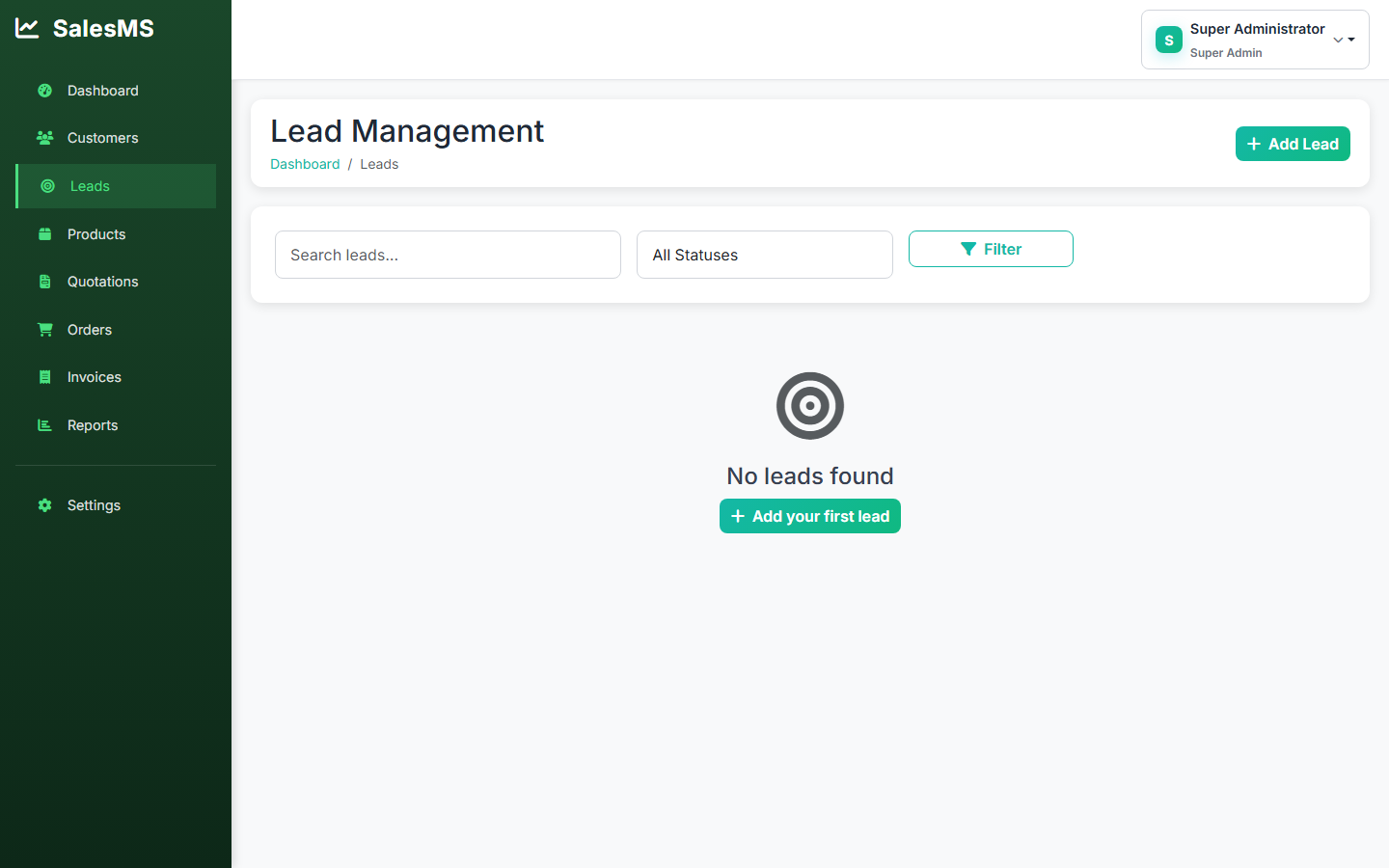
What Sales Pro Does: The Full Lead-to-Invoice Flow
Sales Pro — BYDCRM's CRM, pipeline, and sales order management module — is built around a single end-to-end workflow. Every step from first contact to collected payment lives in the same system, with data flowing automatically from one stage to the next.
Each stage in this flow is a first-class object in the system — not a status field bolted onto an existing record. A quotation has its own line items, expiry date, and approval status. A sales order has its own fulfilment workflow. An invoice has its own payment tracking. They're linked, so you can trace any invoice back to the sales order, the quote, and the original lead — but they're distinct records with distinct lifecycles.
Customers: One Central Directory
Every lead that converts becomes a customer record, carrying their full history — all quotes sent, all orders placed, all invoices raised, and all payments received. No more hunting across three systems to answer a customer's question about their last order.
Products: Catalog with Live Pricing
The product catalog stores unit prices, descriptions, and tax rates. When building a quote or sales order, line items pull prices directly from the catalog via an API-based unit price lookup — so pricing is always current and manual entry errors disappear.
The 7-Stage Pipeline: Why Granularity Matters
Most basic CRMs offer three or four pipeline stages — something like Open, In Progress, Won, Lost. That's fine for simple transactional sales but completely inadequate for B2B deals with longer cycles.
Sales Pro's pipeline has seven stages:
- New — Lead received, not yet reviewed
- Qualified — Confirmed budget, authority, need, and timeline
- Proposal — Quote sent or in preparation
- Negotiation — Terms being discussed
- Won — Deal closed, sales order created
- Lost — Deal did not close (reason captured)
- On Hold — Active but paused, with a reactivation note
The granularity matters because each stage has different actions, different follow-up rhythms, and different conversion rates. When your reports show that 40% of deals stall at Negotiation and never reach Won, you know exactly where to focus coaching attention and where your sales process has a structural problem.
Each lead record also captures: lead source (website, referral, cold call, social media, or custom), assigned salesperson, deal value, probability percentage, and expected close date. This gives you a weighted pipeline value — not just a count of open deals, but a realistic revenue forecast.
Sales Orders: The Missing Step Between Quote and Invoice
In many basic CRM setups, a deal goes from Won directly to Invoice. For simple service businesses that works. But for B2B companies selling physical goods or multi-deliverable service contracts, there's a critical step being skipped: the sales order.
A sales order (SO) is the formal internal document that says: "This deal is confirmed, here is exactly what we have committed to deliver, and here is the fulfilment status." It exists between the customer-facing quotation and the customer-facing invoice.
Why the Sales Order Matters
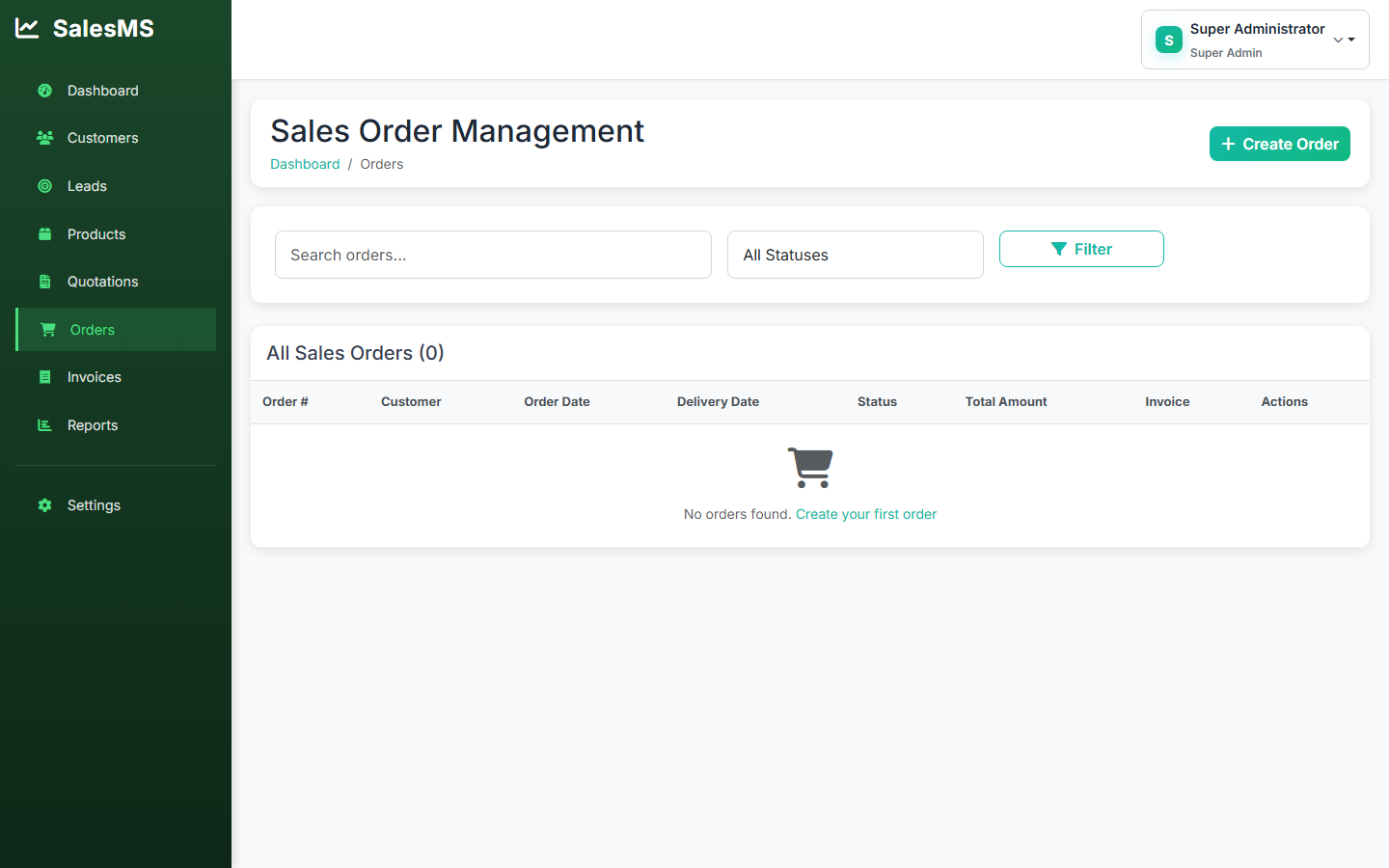
Without a sales order layer, your operations or fulfilment team has no formal trigger to start work. They're reading emails or chasing the sales team for details. The sales order in Sales Pro — numbered in SO2026-XXXX format — carries the full line items from the accepted quote, the committed delivery terms, and a status that moves through Pending → Confirmed → Processing → Shipped → Delivered.
Operations can see every confirmed order and its current fulfilment status without needing access to the CRM pipeline. Sales can see whether an order has shipped without phoning the warehouse. And when the order reaches Delivered, generating the invoice is a single click — no re-entry of line items, quantities, or prices.
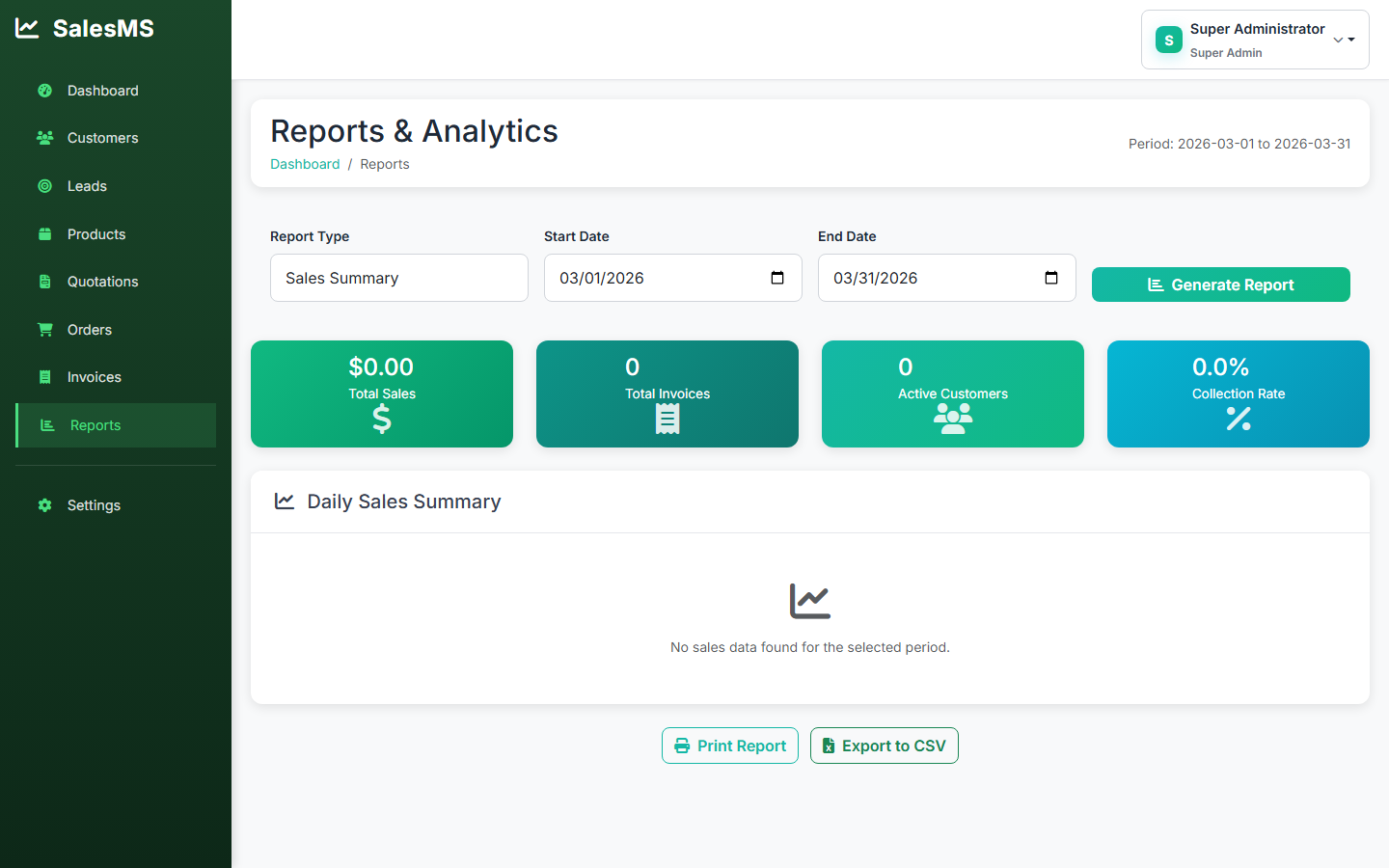
Reporting That Tells You Where Deals Are Dying
Sales reports in most CRMs answer the question "how much did we sell?" Sales Pro's reporting goes further — it answers "where are deals stalling, which channels produce the best leads, and which invoices are putting our cash flow at risk?"
The reports module covers six areas:
- 6-month revenue trend — Monthly invoice totals across the last six months with a visual trend line
- Pipeline by stage — Deal count and weighted value at each of the seven pipeline stages
- Win/loss rates — Percentage of deals closed versus lost, with breakdowns by lead source and salesperson
- Overdue invoices — Outstanding invoices past their due date, sorted by age and value
- Monthly totals — Quotes issued, orders confirmed, and invoices raised in a given month
- Lead source performance — Which acquisition channels generate the most deals and the highest average deal value
The overdue invoice view is often the most valuable report for cash flow. Knowing that three invoices totalling $24,000 are more than 30 days overdue — and being able to see the customer contact and original sales order in two clicks — is the difference between proactive collections and a cash crisis.
How Sales Pro Compares to Generic CRM Tools
There's no shortage of CRM options for small business. Here's how Sales Pro stacks up against the two most common alternatives — spreadsheets and basic standalone CRM tools:
| Feature | Spreadsheet | Basic CRM | Sales Pro |
|---|---|---|---|
| Structured pipeline stages | ✗ Manual | ✓ Yes | ✓ 7 stages |
| Lead source & salesperson tracking | ✗ Manual | ◆ Basic | ✓ Full |
| Quote / Quotation builder | ✗ No | ✗ No | ✓ Yes |
| Sales order management | ✗ No | ✗ No | ✓ Full SO lifecycle |
| Invoice generation & tracking | ✗ No | ✗ No | ✓ Yes, with partial payments |
| Revenue & pipeline reporting | ✗ Manual charts | ◆ Basic | ✓ 6-area reports |
| Product catalog with pricing | ✗ No | ✗ Rarely | ✓ Yes |
| Single system lead-to-payment | ✗ No | ✗ No | ✓ End-to-end |
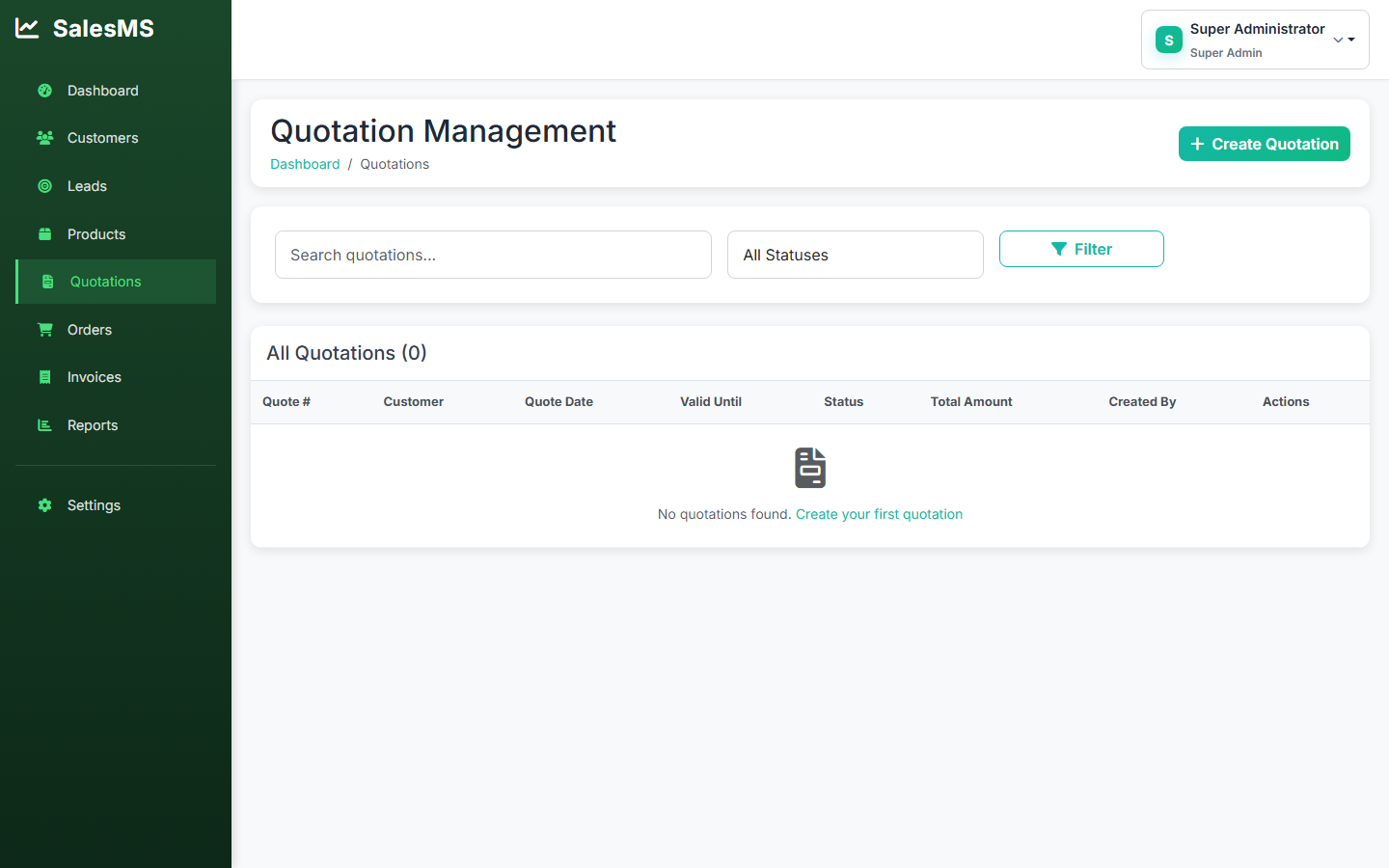
See Sales Pro in Action
Get a live walkthrough of the full lead-to-invoice workflow — pipeline, quotations, sales orders, and reporting. No sales pitch, just the working system.
Explore Sales Pro →Getting Your Team Up and Running
The most common objection to adopting a new CRM is time-to-value. Teams worry about migrating existing data, training staff, and the gap between sign-up and actually seeing the system improve their workflow.
Week 1: Import and Configure
Start by importing your existing lead list and customer directory. Sales Pro accepts CSV uploads for both. Set up your product catalog — even a partial list is enough to start. Configure your pipeline stages if the defaults need adjusting for your sales cycle, and assign users with appropriate roles.
Week 2: Migrate Active Deals
Move all in-flight deals into the pipeline with accurate stage assignments. This is where the system immediately starts paying back — for the first time, you'll have a single view of every open deal, its stage, its value, and its assigned salesperson. Run your first weekly pipeline review using the system.
Week 3: Full Workflow Go-Live
Start raising all new quotes inside Sales Pro. When deals close, convert directly to sales orders. As sales orders are fulfilled, raise invoices from within the platform. By the end of week three, the full lead-to-invoice loop is running and your reporting is producing real, actionable data.
Most small sales teams reach full adoption within two to three weeks. The system is designed for people who sell for a living, not for software administrators — the UI prioritises speed and clarity over configuration depth.
Frequently Asked Questions
Bottom Line
A CRM for small business should do more than store contacts and track deal stages. The real value comes when it closes the gap between pipeline management and revenue collection — handling quotes, sales orders, invoices, and payments in the same system where you track your leads.
Sales Pro is built for exactly this use case: B2B sales teams who need a structured pipeline, professional quotations, formal sales orders, and invoice tracking — without paying for an enterprise platform with a six-month implementation timeline.
If your team is still managing deals in a spreadsheet or using a CRM that stops at "Won", Sales Pro is worth a look.